We have all been there. Your player count spikes, players start complaining about rubberbanding, and your console starts spitting out the dreaded “Can’t keep up! Is the server overloaded?” warning.
Panic sets in. You do what most server administrators do: you open a support ticket with your budget host and immediately upgrade to their massive 32GB “Ultimate” RAM plan. You reboot the server, expect a buttery-smooth 20 TPS, and… the lag is still there. In fact, the server now randomly freezes for three to four seconds at a time.
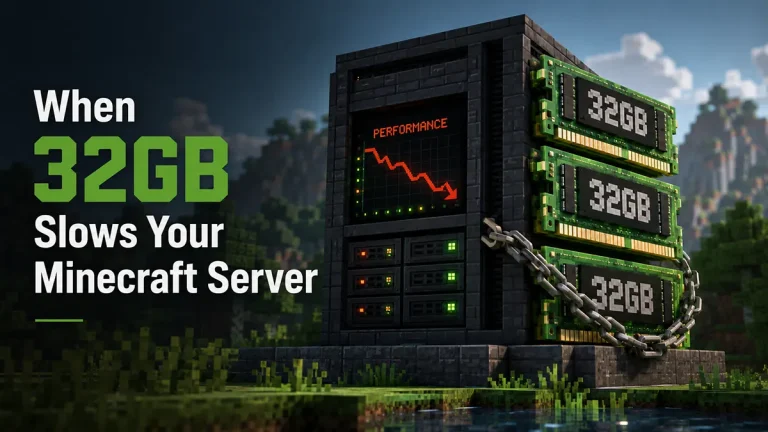
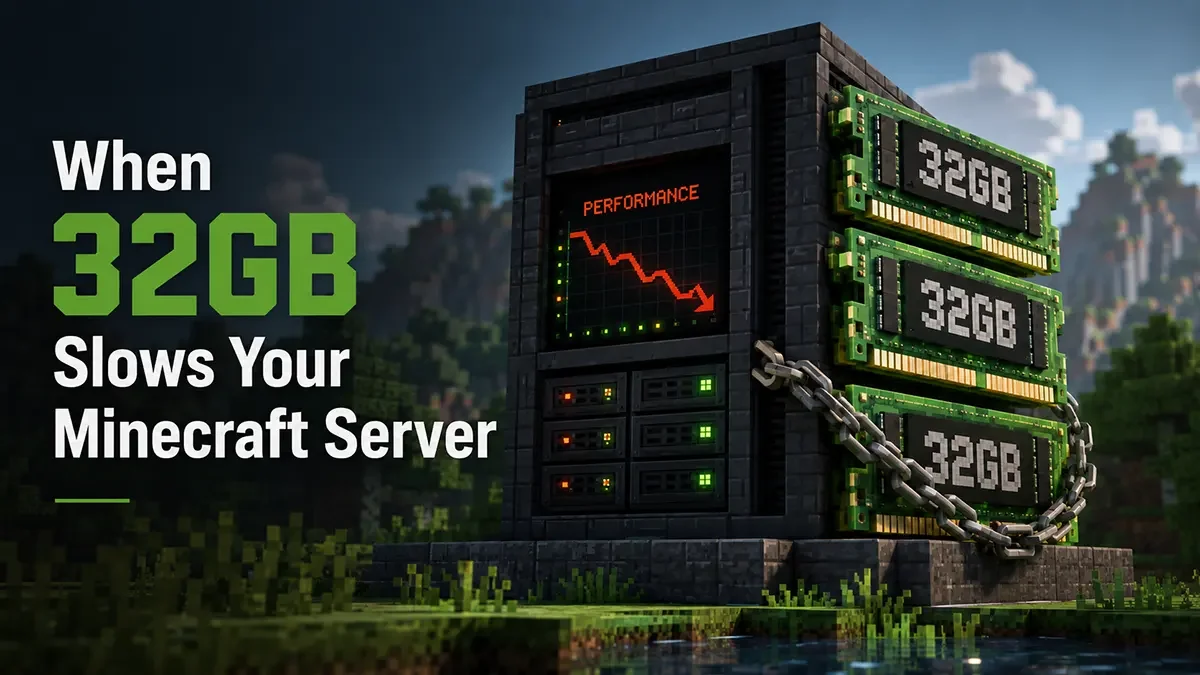
Congratulations, you just fell for the biggest myth in Minecraft server hosting. Throwing 32GB of RAM at a Minecraft server doesn’t fix lag, and in most cases, it actually causes it. Here is the hardware reality check on why this happens and what your server actually needs to hit a stable 20 TPS.
The Problem is Java Garbage Collection
To understand why too much RAM is a bad thing, you have to understand how Java manages memory.
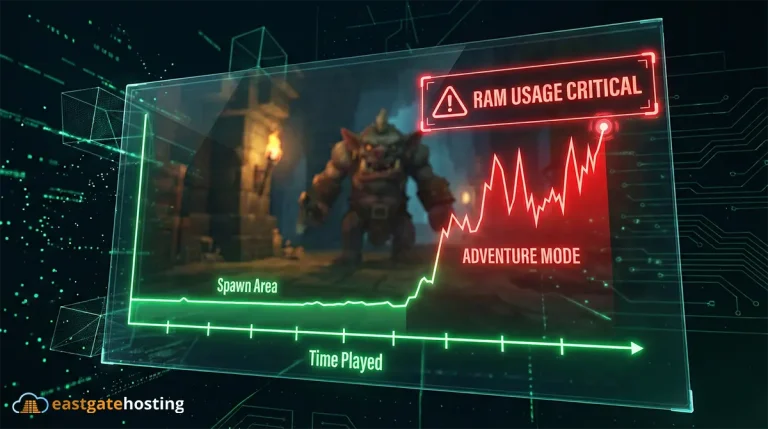
As your players explore the world, load chunks, drop items, and spawn mobs, the server stores all of that data in the RAM (the Heap). When those players leave the area and that data is no longer needed, Java performs a process called Garbage Collection (GC) to clear it out and free up space.
Here is the fatal flaw: Java’s Garbage Collector often requires a “Stop-The-World” event. To safely delete old memory, the engine physically pauses the server’s main thread. Nothing can happen during this pause, ticks stop, physics freeze, and players hang in mid-air.
Big Heap = Massive Lag Spikes
If you allocate a reasonable amount of RAM (like 8GB to 12GB), the Garbage Collector runs frequently. It cleans up small messes very quickly. The “Stop-The-World” pauses take mere milliseconds, and your players never even notice.
But what happens when you give your server 32GB of RAM? The server gets lazy. It waits until an enormous amount of garbage has piled up before it bothers to clean it. When that massive 32GB heap finally fills up, the Garbage Collector has to scan and dump an astronomical amount of data all at once.
That process takes time. Instead of a 50-millisecond micro-stutter, your server experiences a catastrophic three-to-five-second hard freeze. Your TPS plummets from 20 to 5, players time out, and your console gets spammed with lag warnings. You didn’t buy better performance; you just bought bigger lag spikes. Bummer!
The Real Bottleneck: Single-Thread CPU Performance
Budget hosts want you to buy more RAM because RAM is cheap to oversell. What they don’t want to talk about is CPU power.
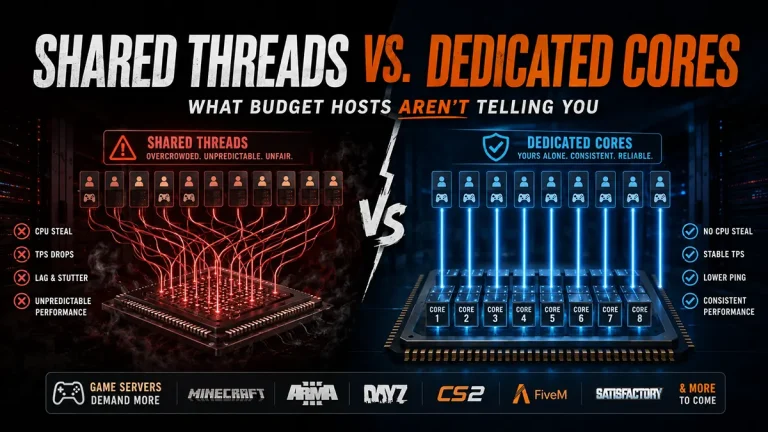
Minecraft Java Edition is notoriously single-threaded. Almost all of the heavy lifting, like entity AI, redstone calculations, physics, and chunk generation, runs on a single CPU core. It does not matter if you have 64GB of RAM and a 32-core processor if the clock speed of a single core is slow.
If players are flying around with Elytras and generating new chunks, the server needs raw CPU clock speed to calculate that terrain, and pure NVMe IOPS to write it to the disk instantly. This can, of course, be alleviated by pre-generating the map, but that only works up to a certain point. Eventually, you are forced to set a strict world border and limit your players from exploring further just to save your server’s TPS.
Ultimately, RAM just holds the data; the CPU has to actually process it.
How to Actually Fix Your Server Lag
Stop paying for dead slots and bloated RAM plans. To maintain a locked 20 TPS, you need to optimize your launch parameters and migrate to hardware that actually matters.
- Right-Size Your RAM: For a standard Paper or Fabric survival server, 8GB to 12GB is the sweet spot. Even massive, 300+ mod Forge modpacks rarely need more than 16GB.
- Use Aikar’s Flags: Never use default startup flags. Implement Aikar’s optimized G1GC flags to force Java to manage garbage collection efficiently, completely eliminating those “Stop-The-World” freezes.
- Upgrade Your CPU and Storage: Move your community to extreme-frequency infrastructure.
Stop Guessing: Use Our Minecraft RAM Calculator
Not sure exactly how much memory your specific setup needs? We built a tool to take the guesswork out of server hosting.
Simply input your estimated player count, your server software (Paper, Forge, Fabric), and your mod/plugin count. Our Minecraft Server RAM Calculator will instantly output the exact amount of RAM you need to maintain 20 TPS without overpaying for dead space.
Minecraft modded server RAM calculator — estimate how much RAM your server needs
At East Gate Hosting, we don’t sell gimmicks. We build our infrastructure entirely around the hardware metrics that actually dictate game performance. When you host with us, your server runs on unthrottled, extreme-frequency CPUs designed to crush Minecraft’s single-thread bottlenecks. Combined with our pure Enterprise NVMe storage, chunk generation lag becomes a thing of the past.
Furthermore, our custom Pterodactyl panel comes pre-configured. You get full control over your Java startup parameters to fine-tune your Garbage Collection, ensuring your community never experiences a “Stop-The-World” spike again.
Quick FAQ: Minecraft Server RAM & Performance
How much RAM does a Minecraft server really need? For a vanilla or lightly plugin-modded server (Paper/Purpur) with 10-20 players, 6GB to 8GB is plenty. For heavy modpacks (200+ mods), 10GB to 16GB is ideal. Exceeding 16GB is rarely recommended unless you are running a massive, multi-server BungeeCord/Velocity network.
Why is my server lagging if it isn’t using all its RAM? If you have plenty of free RAM but your TPS is still dropping, you are bottlenecked by your CPU. Chunk generation, large redstone machines, and massive entity farms max out your processor’s single-core clock speed, causing the server to fall behind.
What is a “Stop-The-World” garbage collection pause? It is a brief moment where the Java engine pauses the main Minecraft server thread to clean up unused memory. If your server has too much RAM allocated, this process takes significantly longer, resulting in a noticeable, multi-second freeze for all players.
Stop Fighting Server Lag. Deploy Minecraft Server Today.
Best Seller
Best Seller
Best Seller
Try Free Minecraft Server for 24 Hours
Experience East Gate Hosting with a free 24-hour Minecraft Java server with full access to our control panel and all premium features. Build, explore, and test performance risk-free before choosing your plan.
- 6 slots
- 2 GB RAM
- 1 Day