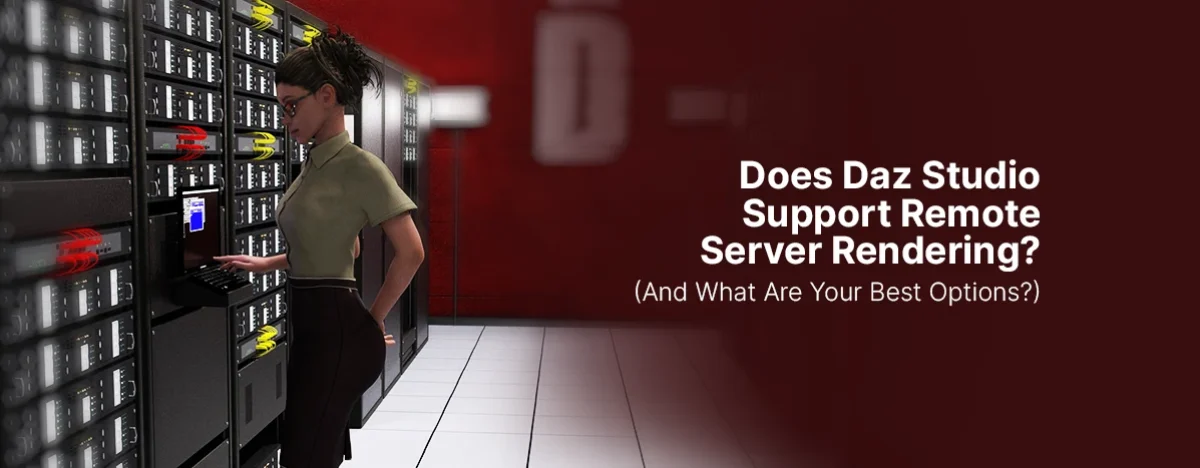
Daz Studio is beloved for its accessibility – free to download, easy to learn, and packed with a marketplace that offers tons of assets. But once you start pushing into higher-resolution images, animation sequences, or heavy scenes full of hair, clothing, fog, and RTX-hungry shaders… your local GPU can feel like it’s melting.
That naturally leads to the big question:
Does Daz Studio support remote render servers? And if so, how does it actually work?
Let’s break it down in simple, practical language.
Does Daz Studio Support Remote Rendering?
The short answer: Yes – but not directly with a built-in “cloud rendering” service.
Daz Studio can render remotely because NVIDIA Iray supports network rendering, but Daz doesn’t provide a native cloud service of its own.
Here’s how it works under the hood:
Daz Studio uses NVIDIA Iray as its main renderer.
Iray has a feature called Iray Server (formerly “Iray Cloud” and “Iray Cluster”), which supports:
- GPU rendering across multiple machines
- Network distributed rendering
- Rendering scenes on remote workstations or dedicated render servers
Daz Studio can connect to an Iray Server, which basically means you can send your Daz scene to a remote machine that does the hard work for you.
How Remote Rendering Works in Simple Steps
If you’re brand new to the concept, here’s a smooth breakdown:
1. You prepare your scene in Daz Studio
Build your scene normally: characters, lighting, posing, shaders – the usual.
2. Export or send your scene to an Iray Server
You point Daz Studio to the IP address or Hostname of the machine running Iray Server.Daz packs the scene data > sends it > the server loads it.
3. The remote server performs the render
This is where the magic happens:
- The server uses its powerful GPUs
- You can continue working or doing whatever you want
- Your local machine stays quiet and cool instead of screaming like a jet engine
4. The final image (or sequence) is returned to you
Depending on your setup, you either:
- Pull the finished renders from the server
- Automatically receive the results back into Daz
5. You enjoy professional-grade performance without needing a $3,000 GPU
This is the entire appeal of remote rendering – you get the power without the upfront hardware cost.
Why Use a Remote Server for Daz Rendering?
Remote rendering becomes a game-changer when you:
- Need fast turnaround times
- Have a weak local GPU
- Want to render long animations
- Need to keep your PC free for other tasks
- Want access to multiple GPUs (Daz Studio supports this – your laptop does not)
Even simple portrait renders are noticeably rendered faster when powered by RTX class cards or high-end professional GPUs.
Render Your Daz Projects on a High-Performance Iray Server (Simple Setup)
If you want a remote rendering solution that just works, we offer a dedicated Daz-compatible Iray render server you can rent and use instantly.
With our server, you get:
- Full compatibility with Daz Studio & NVIDIA Iray
- Remote access to the Iray Control Panel – simply send your render to our server and watch it as it gets rendered fast, and download the result from our Dashboard or FTP server.
- Heavy GPU power for lightning-fast renders
- Affordable UNLIMITED monthly pricing – starting from $50 per month
- No complicated setup – connect and go
Whether you’re a solo artist, small team, or working on a huge showcase scene, our render server lets you skip the hardware costs and jump straight into production.