The result is always the same: rubber-banding, crashes, corrupted saves, and a poor experience for your players.
This guide cuts the noise and gives you simple, practical 2026 recommendations for the most popular games: Minecraft, Rust, ARK (Survival Evolved & Survival Ascended), Valheim, CS2, Palworld, Satisfactory, and GTA V.
Why RAM Matters for Game Servers
While CPU determines how fast your server “thinks” (tick rate), RAM determines capacity. It dictates:
- Player Count: How many users can be online before the server chokes.
- World Size: How many chunks or map assets can be loaded simultaneously.
- Mod/Plugin Depth: How many custom assets the server can juggle.
- Stability: Whether your server crashes during “save spikes” or memory leaks.
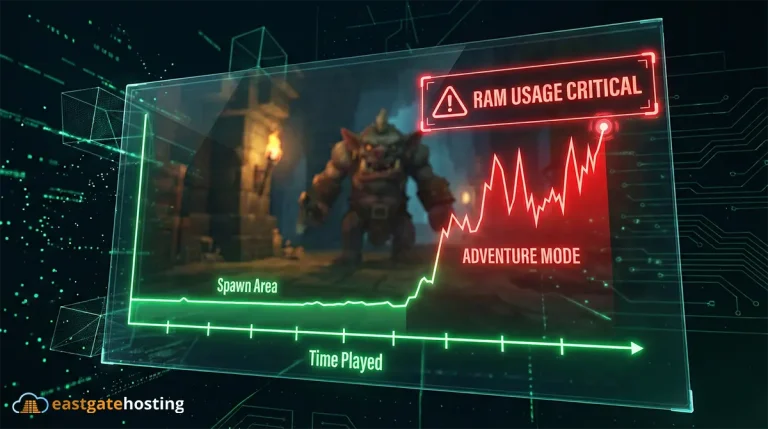
The 2026 Reality: Most modern game servers (Palworld, ARK: SA) now suffer from Memory Leaks, meaning RAM usage slowly climbs over time until the server restarts. Having “buffer” RAM is no longer optional – it is a requirement.
Recommended RAM for Each Game (2026)
These numbers reflect real-world usage including operating system overhead.
1. Minecraft Java Edition
Minecraft is memory-hungry. If your world grows, your RAM usage grows.
- Vanilla (No Mods):
- 1-5 players: 3 GB
- Up to 20 players: 6 GB
- 20+ players: 8-10 GB
- Modded (Forge/Fabric):
- Light (20-40 mods): 6 GB
- Medium (All The Mods Lite): 8-10 GB
- Heavy (150+ mods): 12-16 GB
- High-Performance (Paper/Purpur):
- Optimized plugins allow you to run 50+ players on just 8-10 GB if configured correctly.
2. Minecraft Bedrock Edition
Bedrock is significantly more efficient than Java but harder to mod.
- Small server (1-10 players): 2 GB
- Medium server (10-30 players): 4 GB
3. Palworld
Warning: Palworld currently suffers from memory leaks.
- Small Group (1-4 players): 6-8 GB
- Note: 4GB is possible but requires frequent restarts (every 2-3 hours).
- Medium (8-16 players): 10-12 GB
- Large (32 players): 16-24 GB
- Pro Tip: Always schedule an auto-restart every 4-6 hours to clear the RAM.
4. ARK: Survival Ascended (ASA)
The Unreal Engine 5 update made ARK one of the most demanding servers to host in 2026.
- Basic Server (The Island): 14-16 GB (Minimum for stability)
- Modded / High Traffic: 20-24 GB
- Clustered Setup: You need roughly 12GB per map you want to run simultaneously.
5. ARK: Survival Evolved (ASE)
- Small map / low pop: 8 GB
- Medium / Modded: 12 GB
- Heavy Mods (Primal Fear, etc.): 16 GB+
6. Rust
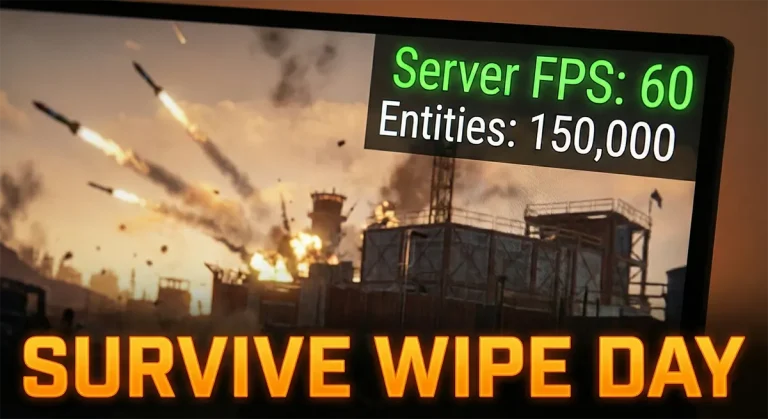
Rust scales heavily with Map Size and Entity Count. A fresh wipe uses little RAM; a two-week-old map uses a lot.
- Standard Procedural Map (50 players): 8 GB
- Large Map / 100+ Players: 12-16 GB
- Modded (Oxide/UMod): Add +2 GB buffer for plugins.
7. Satisfactory
Since leaving Early Access, factories have gotten bigger.
- Start to Mid-game: 6 GB
- End-game Megabase: 12-16 GB
- If RAM fills up, clients will disconnect when the server attempts to autosave.
8. GTA V (FiveM)
FiveM relies heavily on the CPU, but RAM is needed for “Assets” (custom cars, clothing, maps).
- Dev / Testing Server: 2-4 GB
- Roleplay Server (32 slots, standard assets): 8 GB
- Heavy RP City (64+ slots, 200+ custom cars): 16-20 GB
9. Counter-Strike 2 (CS2)
CS2 is CPU-bound. It needs very little RAM compared to survival games.
- Competitive (5v5 or 10v10): 2-3 GB
- Casual (20+ slots): 4 GB
- Heavy Workshop Maps: 4-6 GB
Summary Table: Quick Reference (2026)
| Game | Starter / Small Group | Medium / Modded | Large Community |
| Minecraft Java | 4 GB | 8 GB | 12 GB+ |
| Palworld | 8 GB | 12 GB | 20 GB+ |
| ARK: Ascended | 16 GB | 20 GB | 32 GB+ |
| Rust | 8 GB | 12 GB | 16 GB+ |
| Valheim | 4 GB | 6 GB | 8 GB |
| Satisfactory | 6 GB | 10 GB | 16 GB |
| FiveM (GTA) | 4 GB | 8 GB | 16 GB |
| CS2 | 2 GB | 3 GB | 4 GB |
How to Choose the Right Plan (Simple Formula)
Don’t guess. Use this rough formula to estimate which plan size you need:
(Base Game Requirement) + (0.2 GB x Player Count) + (Mod Buffer) = Recommended Plan
Example for Rust:
- Base Game: 4 GB (Startup usage)
- Players: 20 players x 0.2 GB = 4 GB
- Buffer: 2 GB (For map growth)
- Total: 10 GB -> We would recommend selecting a 10GB or 12GB plan.
Upgrade your RAM if you notice:
- delayed world/chunks loading
- TPS drops
- player count spikes
- many mods/plugins installed
- crashes under heavy load
- heavy base/building activity (Minecraft, ARK, Valheim)
- factory complexity (Satisfactory)
Final Recommendation: Avoid the “Red Zone”
RAM is the cheapest upgrade you can make, but running out of it is the most expensive problem to fix (causing player loss).
If your server sits at 95% RAM usage, the process will inevitably crash or freeze. It is always better to have 2GB of unused “breathing room” than to crash during a boss fight.
RAM overhead = smoother gameplay = happier players
When in doubt, choose the plan one tier higher than your estimate.