Wipe Day is the most exciting time for a Rust server owner, and the most terrifying.
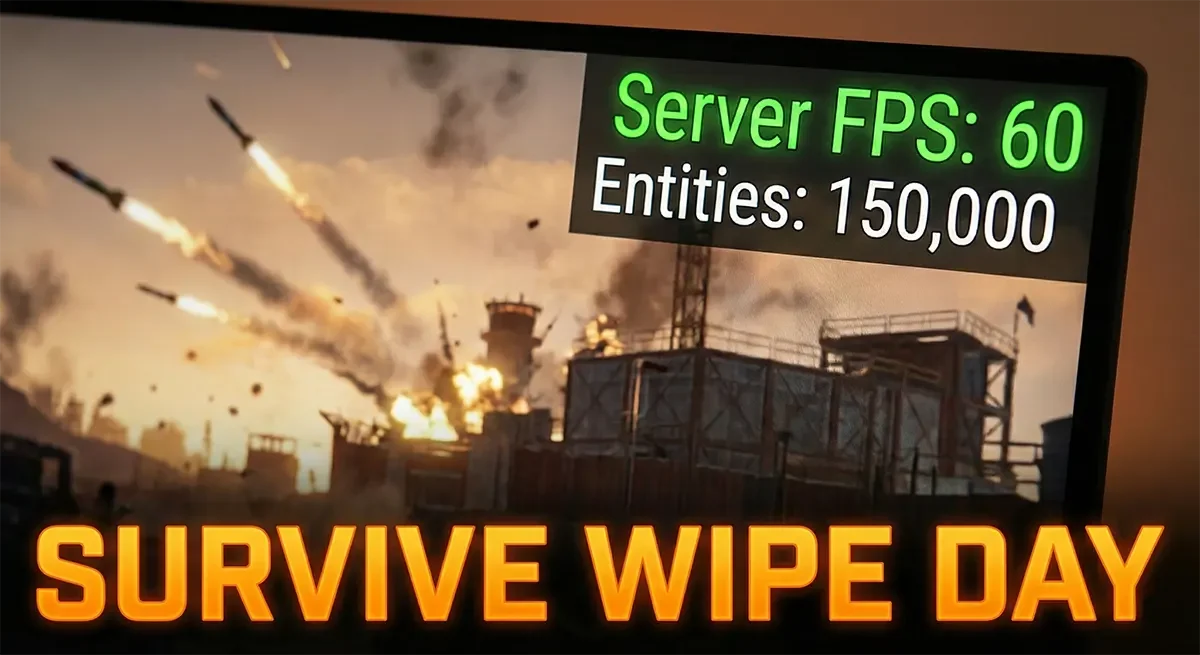
At 2:00 PM, your server is running at a buttery smooth 200 FPS. By 6:00 PM, 200 players have connected, 5,000 entities have been placed, and your server FPS has tanked to single digits. Players are rubber-banding, projectile checks are failing, and your Discord is exploding with “LAG!” complaints. The culprit is almost always the Entity Count.
Rust is unique because every single deployed item, from a massive stone wall to a discarded hemp seed, is an “entity” that the server must track. When that number hits 100k+, unoptimized servers crumble.
Here is how to configure your East Gate Hosting server to survive the Wipe Day rush and keep your FPS high.
1. The “Golden” Convars (Server Variables)
You don’t need mods to fix performance; you just need to tune the engine. Add these commands to your server.cfg file before the wipe starts.
Cap Your Server FPS
- Command:
fps.limit 60 - Why: Many admins leave this at the default (256) or unrestricted (
-1). This is a trap. If your server tries to push 200 FPS when it only needs 30 FPS to calculate game logic, it is wasting CPU cycles that should be used for handling bullet physics and AI. Capping it at 60 (or even 30 for massive servers) stabilizes performance significantly.
Increase the Save Interval
- Command:
server.saveinterval 600(Default is 300) - Why: By default, Rust saves the map every 5 minutes. On a high-pop server, the “saving” process causes a massive lag spike that freezes everyone in place. Increasing this to 10 or 15 minutes reduces the frequency of these stutters.
Tame the Garbage Collector
- Command:
gc.buffer 2048orgc.buffer 4096 - Why: Unity (the engine Rust is built on) has a “Garbage Collector” that cleans up unused memory. When it runs, the server stutters. By increasing the buffer, you force it to run less often but for slightly longer. This trades constant micro-stutters for one rare, barely noticeable hiccup.
2. Manage the AI (The Silent Killer)
Bear, boars, and scientists are surprisingly heavy on performance because they require complex pathfinding (Navmesh) calculations.
If your server is struggling, you don’t need to delete them, but you should limit them.
ai.think 0– Stops AI from processing complex logic (use only in emergencies).nav_disable true– Disables pathfinding improvements.- Better Solution: Simply lower the population density.
wolf.population 2(Default is usually 5)bear.population 2zombie.population 5(For murder tunnel dwellers)
3. Aggressive Decay Settings
The best way to lower entity count is to make sure unused bases disappear fast.
If a player builds a “2×2”, plays for an hour, and quits, that base is dead weight. Adjust your decay settings to clean up the map for you.
decay.scale 1.5– Makes everything decay 50% faster.decay.upkeep_period_minutes 1440– Adjusts how long a TC eats resources.
Pro Tip: Use a plugin like AutoPurge to automatically remove bases of players who haven’t logged in for 48 hours. This keeps your entity count manageable mid-wipe.
4. Choosing the Right Map Size
This is the most overlooked factor.
- 4000 Size: Standard. Good for 150-200 players.
- 3500 Size: The Sweet Spot. It feels large enough for roaming but generates 20-30% fewer entities than a 4k map.
- 3000 Size: Perfect for pure PvP servers with 100+ players.
Do not generate a 4500+ size map unless you have a dedicated machine with serious power. The extra terrain requires exponential RAM usage.
Conclusion: Hardware Matters
Optimization scripts can only do so much. If your CPU has weak single-core performance, no amount of config tweaking will save you from 300 players spamming rockets.
At East Gate Hosting, we use high-frequency processors and DDR5 RAM specifically because Rust relies heavily on single-thread speed. When you combine our raw horsepower with the optimizations above, you get a Wipe Day that is buttery smooth.