You caught a shiny Lamball. Then the official server wiped your base during scheduled maintenance you never saw coming.
Palworld’s 1.0 release has brought a wave of players back into the Paldeck, and a lot of them are hitting the same wall they hit during early access: official servers are convenient right up until they aren’t. Random restarts mid-raid boss fight. Player caps that lock your friends out during peak hours. Zero control over your own world settings. And when Pocketpair decides to take a server offline for maintenance, your base, your Pals, and your progress go down with it.
If you’re serious about building a long-term Palworld world, whether solo, with a small group, or running a community server for a Discord full of players, a dedicated server solves nearly every frustration official servers create. This post breaks down exactly why.
What’s actually different between official and dedicated servers
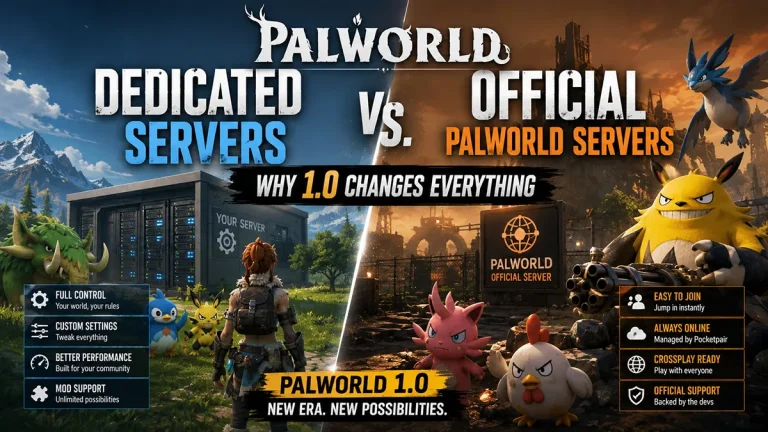
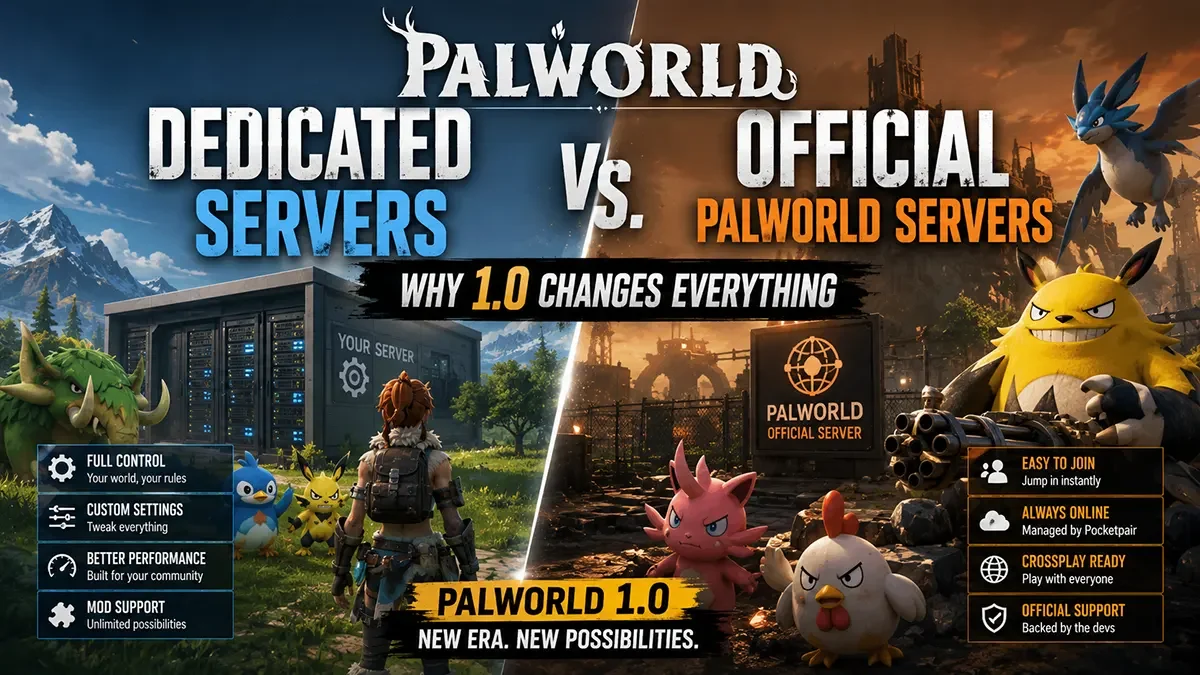
Official servers are hosted and managed entirely by Pocketpair. You connect, you play, and you have no control over the underlying settings, the uptime schedule, or who else is on the server with you. They’re free, they’re instant, and they come with a long list of tradeoffs.
Dedicated servers run on hardware you rent and control. You install the official Palworld Dedicated Server tool (available free via SteamCMD), configure it exactly how you want, and it stays online on your schedule, not Pocketpair’s.
The difference isn’t cosmetic. It changes what’s actually possible in your world.
Player caps that don’t lock your friends out
Official servers enforce fixed player caps, and during peak hours, popular servers routinely sit full. You either wait in a queue or hop between servers hoping to find a free slot, often losing track of your own progress in the process.
On a dedicated server, you control the PlayerCountMax value directly in your world settings. Want a tight 8-player co-op world with your friend group? Set it. Want a 32-player community server open to your Discord? Set that instead. The cap is yours to define, not something imposed on you by matchmaking.
Real mod support
This is the single biggest reason serious Palworld communities move to dedicated hosting. Official servers do not support mods. Full stop.
Dedicated servers, on the other hand, support the full UE4SS modding framework that the Palworld community has built out extensively since early access. That includes:
- Custom spawn rate and rarity adjustments for Pals
- Quality-of-life mods for base building and inventory management
- New structures, cosmetics, and gameplay tweaks
- Admin and moderation tools far beyond the vanilla command set
If mods matter to your world at all, official servers were never going to be an option. Dedicated hosting is the only path to a modded Palworld experience.
You control the world, not Pocketpair
Every setting that shapes how your world actually plays, from Pal spawn rates and catch rates to day/night cycle speed, damage multipliers, and base building limits, is exposed in the PalWorldSettings.ini file on a dedicated server. Official servers give you none of this. You get the default ruleset only.
Want a hardcore survival world with brutal Pal aggression and slow catch rates? Configure it. Want a relaxed building-focused world with fast breeding and generous drop rates? Configure that instead. Dedicated hosting turns Palworld from a fixed experience into a world you actually design.
Uptime and restarts on your terms
Official servers can restart, wipe, or go down for maintenance at any time, with no obligation to notify you in advance and no way to delay it until a better time. If that maintenance window lands mid-raid or mid-build, that’s simply the cost of playing on someone else’s infrastructure.
A dedicated server restarts when you say so. Scheduled restarts, manual restarts, automatic restart-on-crash, all of it runs on your timeline. Your world stays exactly as your community left it until you decide otherwise.
Save file ownership and backups
Official servers store your world data on Pocketpair’s infrastructure, inaccessible to you directly. If something goes wrong on their end, your only recourse is a support ticket and a wait.
On a dedicated server, your save files live in your own server’s file system. You can back them up manually via FTP, automate scheduled backups, or roll back to a previous save state if a mod update or a bad config change breaks something. Your world’s survival is in your hands, not dependent on a support queue.
The hardware side of it
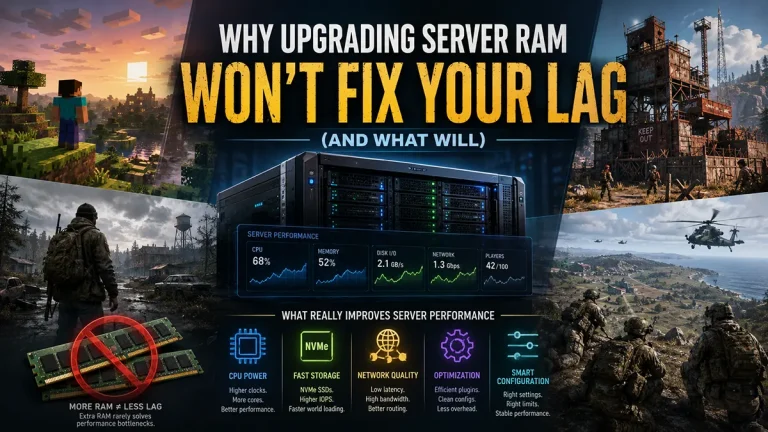
Palworld is a genuinely demanding game to host. Base building, Pal AI, and world simulation put sustained load on both CPU and RAM, and that load scales directly with player count and the number of active bases in the world. A world with several active bases and a full player count needs considerably more headroom than a small solo save.
This is where a lot of self-hosted attempts fall over. Running a Palworld dedicated server on a home PC or an underpowered VPS means fighting the same performance problems official servers have, just now they’re your problem to solve instead of Pocketpair’s. A dedicated core allocation with sufficient RAM for your target player count is the difference between a smooth, responsive world and constant rubber-banding as Pal AI and base simulation compete for CPU time that isn’t reliably there.
Getting started
Setting up a dedicated Palworld server takes a fraction of the effort it might seem to from the outside:
- Choose your hosting plan sized to your target player count and number of active bases.
- Deploy the Palworld Dedicated Server egg, which installs the official server tool automatically.
- Configure
PalWorldSettings.inito set your player cap, difficulty, and world rules. - Install UE4SS and any mods you want, if you’re going the modded route.
- Share your server IP with your community and you’re live.
Our Palworld server hosting plans are built specifically for this workload: dedicated CPU allocation, NVMe storage for fast world loading, full mod support, and a control panel that handles the setup steps above without requiring you to touch the command line. If you’re moving a community off official servers for 1.0, our support team can help you get your world configured and your player base migrated smoothly.
Quick FAQ
Can I install mods on an official Palworld server? No. Mod support requires the UE4SS framework, which only runs on servers you control directly. Official Pocketpair-hosted servers do not support any mod installation.
How many players can join a dedicated Palworld server? The player cap on a dedicated server is fully configurable through your world settings, unlike official servers, which enforce a fixed cap. Your practical limit depends on your server’s CPU and RAM allocation relative to your target player count and world activity.
Do I lose my progress if I switch from an official server to a dedicated one? Palworld does not currently support direct save migration between official and self-hosted servers, since official server data is stored on Pocketpair’s infrastructure and isn’t exportable. Starting a new world on a dedicated server is the standard approach for communities making the switch.
What specs do I need for a Palworld dedicated server? Requirements scale with player count and the number of active bases in your world. A dedicated CPU allocation and sufficient RAM headroom matter more for Palworld than for many other survival titles, since Pal AI and base simulation are both CPU-intensive and scale with world activity.
Is a dedicated Palworld server hard to set up? Not with the right hosting panel. A game-specific server egg installs the official Dedicated Server tool automatically, and configuration is handled through an accessible settings file rather than requiring manual command-line setup.