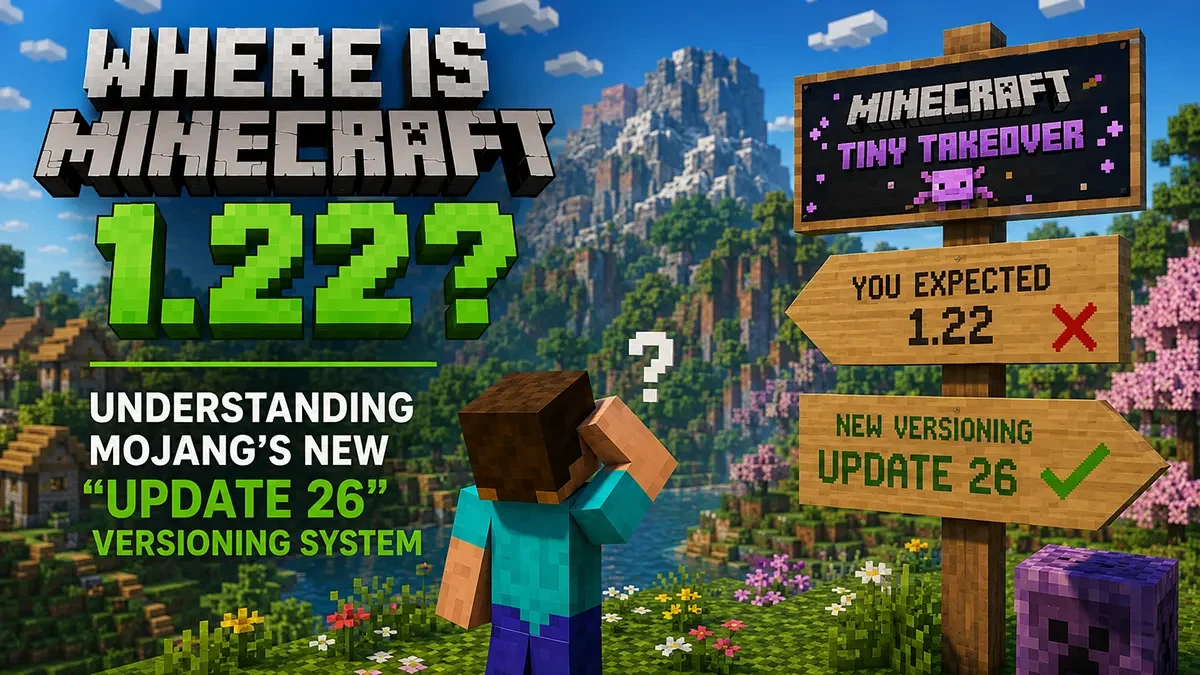
If you recently opened your Minecraft Launcher or checked your server console, you probably did a double-take. Instead of seeing the expected bump to 1.21.12 or the highly anticipated 1.22 snapshot, you are suddenly looking at “Minecraft 26.1.1.” You aren’t losing your mind, and you didn’t miss a massive update. Mojang has officially retired the classic “1.x.x” naming convention that the community has used for over a decade.
For server administrators and plugin developers, this sudden shift is causing a lot of confusion. Here is exactly how the new versioning system works, why Mojang made the change, and what it means for your server maintenance moving forward.
Breaking Down the New Numbers
To accommodate their new update schedule, Mojang has shifted to a year-based versioning system. Starting this year, the numbers now reflect exactly when an update was released and which “Game Drop” it belongs to.
Here is how to read the new Java Edition versions (using 26.1.2 as an example):
- 26 (The Year): The first number simply represents the year of release. All updates pushed in 2026 will start with a 26.
- .1 (The Game Drop): The second number represents the major content drop. Since “The Tiny Takeover” was the first major update of 2026, it is marked as .1. When the upcoming “Chaos Cubed” update releases, it will be 26.2.
- .2 (The Patch): The final decimal is reserved exclusively for bug fixes and hotfixes.
What about Snapshots? Those confusing alphanumeric snapshot codes (like 25w41a) are also dead. Moving forward, snapshots are named directly after the update they are testing. For example, if you want to test the new sulfur caves right now, you would load into 26.2-snapshot-5. It is infinitely easier to track.
Why Did Mojang Change It?
The old numbering system made sense when Minecraft released one massive, game-changing update every summer.
However, Mojang has officially shifted to smaller, more frequent Game Drops to keep the game feeling fresh year-round. The 1.x.x system was going to get incredibly bloated and confusing with multiple drops a year. By switching to a year-based system, both Java and Bedrock editions can share the same yearly prefix, making it much easier for content creators and players to know exactly which era of the game they are playing.
The Hardware Reality Check: What This Means for Server Admins
While the naming convention makes logical sense, the reason for the frequent changes, smaller Game Drops, fundamentally changes how you manage your community.
Gone are the days of setting up your server in June and letting it run untouched until the following summer. Multiple Game Drops a year means:
- Constant Map Generation: Players will want to explore new biomes and find new mobs (like the new baby models or sulfur cubes) every few months, requiring constant chunk generation.
- Plugin & Mod Breakages: Every time that middle number ticks up, you run the risk of breaking your core server plugins and mods.
- Frequent Maintenance Windows: You will need to take your server offline more often to push updates and test compatibility.
Stay Ahead of the Drops with East Gate Hosting
If you are managing a network on a budget host, this new update schedule is going to be a massive headache. Manual FTP uploads and slower SATA drives make frequent version swapping and world backups a terrifying, hours-long process.
East Gate Hosting removes the stress of the new update cadence.
Our custom Pterodactyl panel features 1-click version installations, allowing you to instantly swap your server between snapshots. More importantly, our pure Enterprise NVMe storage means you can run automated, full-server backups in seconds before you apply a new Game Drop, guaranteeing your world data is never corrupted by a bad patch.
Stop fighting your server infrastructure. Upgrade to extreme-frequency hardware and handle Mojang’s new Game Drops with confidence.