So, you’ve finally got your hands on the Hytale server files. You’ve glanced at the official documentation, seen the “4GB Minimum” requirement, and thought, “Great, I can run this on a cheap budget plan.”
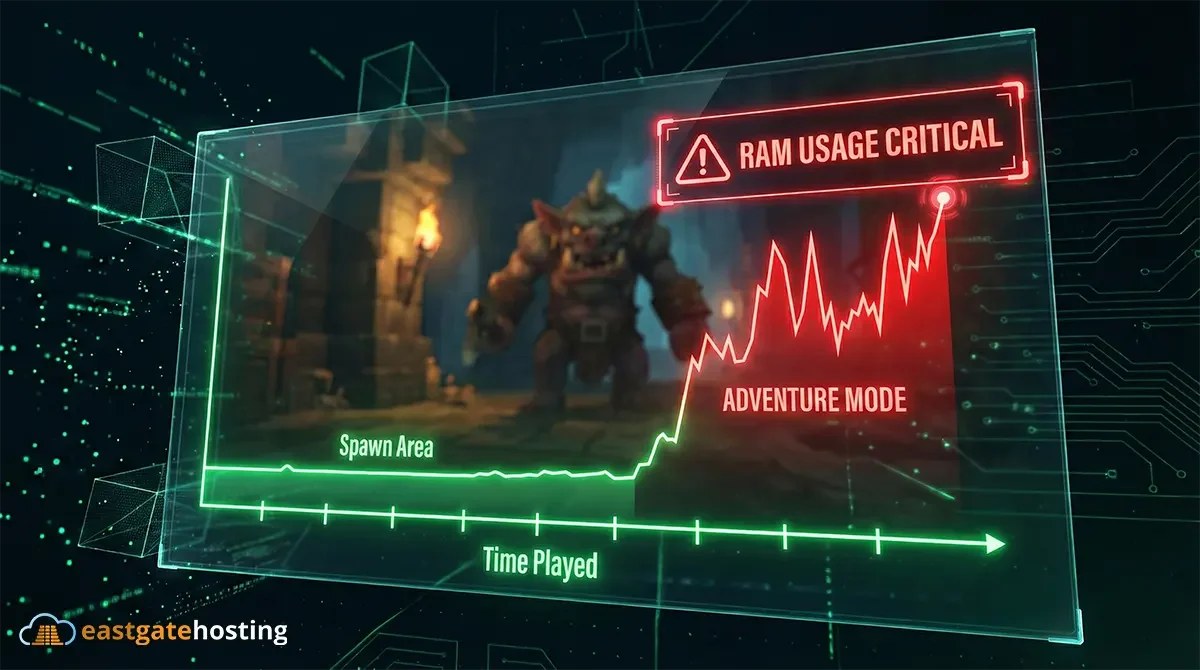
Then, three hours into your first Adventure Mode session, your group splits up to find a Kweebec village, and suddenly lag spikes, rubber-banding, and the dreaded crash to desktop.
The truth is, while Hytale’s engine is far more optimized than Minecraft’s Java Edition ever was, Adventure Mode is a beast. Unlike a Creative plot world where players stay in one spot, Adventure Mode requires the server to simulate complex faction AI, generate massive dungeons, and load thousands of chunks as your players explore.
Here is the realistic breakdown of how much RAM you actually need to run a stable Hytale server in 2026.
The “Spread Out” Factor: Why Minimum Specs Fail
The official 4GB minimum assumes a “best-case scenario”: 4 players standing relatively close together.
But that’s not how you play Adventure Mode. In a real game, Player A is farming in Zone 1, Player B is delving into a dungeon in Zone 2, and Player C is generating new terrain in the ocean.
This is the RAM killer. When players split up, the server has to keep three separate areas of the world loaded in memory simultaneously, along with the AI for every Trork and skeleton in those areas.
- 4GB RAM: Good for 1-3 players sticking together.
- 6GB RAM: The absolute minimum for a group that plans to split up.
RAM Recommendations by Group Size
Based on our benchmarking of the Early Access build (Java 25), here are the sweet spots for performance:
1. The “Co-Op” Server (Friends Only)
- Player Count: 2-5 Players
- Recommended RAM: 6GB – 8GB
- Verdict: If you are just playing through the story with close friends, 6GB is usually enough. However, if you plan on increasing the View Distance beyond the default (12 chunks), you will need 8GB to prevent stuttering when flying or using jetpacks.
2. The Community Server (Public)
- Player Count: 10-20 Players
- Recommended RAM: 12GB – 16GB
- Verdict: Public servers are chaotic. You cannot control where players go. With 15 players online, you might have 15 different zones loaded at once. 12GB is the safety line here; going lower will result in “garbage collection” lag spikes every few minutes.
3. The “Heavy” Server (Modded / High View Distance)
- Player Count: 25+ Players OR Heavy Scripting
- Recommended RAM: 24GB+
- Verdict: Hytale’s modding system is robust, but custom assets and scripts eat memory. If you are importing custom models via the Hytale Model Maker or running complex world-gen scripts, do not skimp on RAM.
The Hidden Performance Killer: View Distance
If you are struggling with lag, RAM might not be the only issue. Hytale allows for massive draw distances, but the server has to send all that data to the client.
- Default View Distance: 12 Chunks (Safe).
- High View Distance: 32 Chunks (Dangerous).
Doubling your view distance doesn’t just double RAM usage – it quadruples it (because it’s an area, squared). Before you upgrade your plan, try lowering your server’s view distance in the main config.json file (located in your server’s root directory, next to HytaleServer.jar). Look for the MaxViewRadius line. Dropping this from the default 32 down to 12 is often enough to stop crashes instantly while keeping the game playable.
Summary: Don’t Bottleneck Your Adventure
Adventure Mode is the heart of Hytale. The last thing you want is to lose progress on a boss fight because the server ran out of memory.
Our Rule of Thumb for 2026:
- Budget: 6GB (Acceptable for small groups).
- Performance: 10GB (Perfect for most standard servers).
- Extreme: 16GB+ (For communities and modders).
Ready to start your journey in Orbis? East Gate Hosting offers high-performance Hytale servers with NVMe storage and DDR5 RAM, ensuring your world loads instantly, no matter how far you explore.