You finally hit Tier 8. You have a sprawling turbofuel setup, automated trains crisscrossing the map, and a desperate need to keep the factory running 24/7 so your storage containers are full when you log back in.
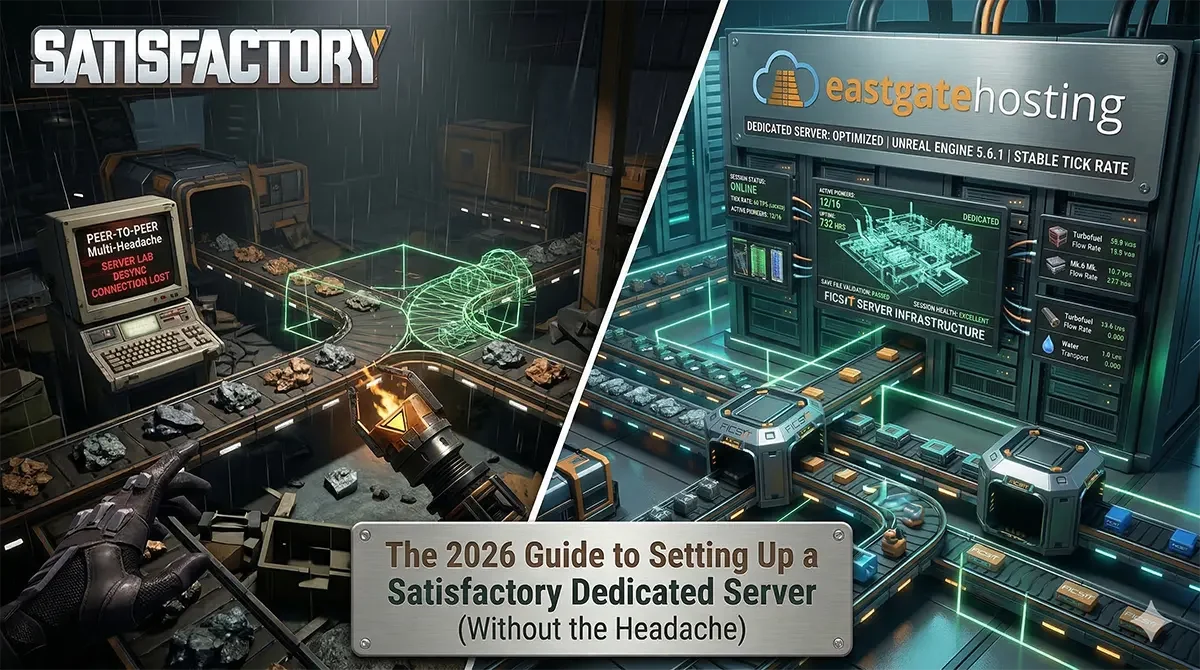
At this stage, relying on peer-to-peer multiplayer or a local “listen server” becomes a massive headache. If the host logs off, production stops. If the host’s PC cannot handle rendering the game and calculating the simulation math for four other players simultaneously, everyone experiences brutal rubberbanding and desync.
In 2026, upgrading to a dedicated server is mandatory for late-game Satisfactory. Here is exactly how to set one up, and how to skip the command-line nightmare completely.
The Headache: Self-Hosting (The Hard Way)
Self-hosting a dedicated server on a spare PC or home lab sounds free, but it costs you in time, electricity, and technical frustration.
If you want to do it manually, prepare for the following gauntlet:
- Command Line Installation: You must download and navigate SteamCMD, running specific console commands (
app_update 1690800 validate) just to download the base server files. - Router Configuration: You must dig into your router’s admin settings to set up a static IP and manually port forward UDP ports 7777, 15000, and 15777. If your ISP uses Carrier-Grade NAT, this might not even work.
- Firewall Exceptions: You have to manually carve out inbound and outbound rules in Windows Defender to let the game traffic through.
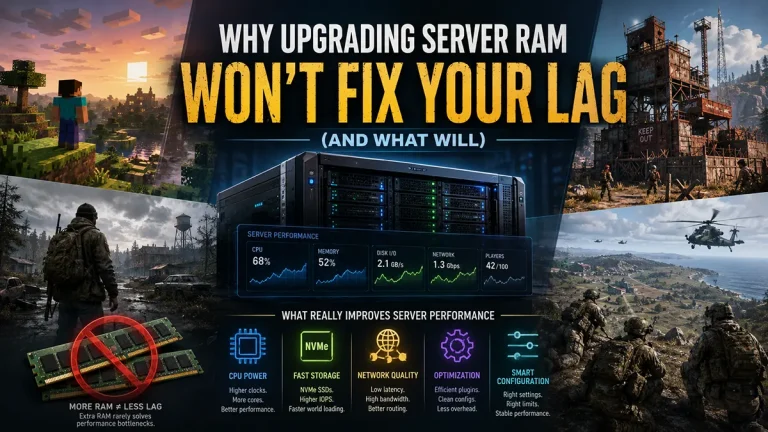
- The Hardware Melting Point: Satisfactory is notoriously bottlenecked by single-core CPU performance. An old, repurposed office PC will choke on the math required for late-game fluid dynamics, resulting in server-wide tick rate drops.
The Solution: East Gate Hosting (The Easy Way)
Pioneer, you are an engineer, and your time should be spent optimizing conveyor belts, not battling Windows Firewall.
At East Gate Hosting, we eliminate the headache. We bypass the command-line setup entirely, deploying your server instantly on enterprise-grade hardware specifically tuned for CPU-intensive simulation games.
Here is why our platform is the definitive way to host in 2026:
- Instant Setup: No SteamCMD required. Your server is automatically provisioned and online within seconds of your order clearing.
- Extreme-Frequency CPUs: We utilize high-clock-speed processors that easily crunch the massive single-core simulation math of late-game factories and the advanced Unreal Engine updates.
- Custom Pterodactyl Panel: Manage your server state, backups, and settings from a clean, intuitive web dashboard.
- Always-On Production: Your factory keeps running, mining, and crafting 24/7, even when your entire team is offline.
How to Connect and Claim Your Server
Once your Satisfactory server is live, the setup process takes less than two minutes directly inside the game client:
- Get Your IP: Copy your server’s IP address and Port from your Game Panel.
- Add the Server: Launch Satisfactory, click Server Manager in the main menu, and click Add Server. Paste your IP and Port.
- Claim the Server: Since you are the first person connecting, the game will prompt you to “claim” the server. Name it and set a strong Admin Password. (Save this password; you will need it to manage settings later).
- Launch the World: You can now create a brand new session or proceed to the next step to migrate your existing factory.
Migrating Your Local Save File
Do you already have a massive world and don’t want to start over? Uploading your 100+ hour local save to your new dedicated server is incredibly simple using the in-game tools.
- Locate your local save file on your PC. It is typically found at:
%LOCALAPPDATA%\FactoryGame\Saved\SaveGames - Open the Satisfactory Server Manager in-game and navigate to the Manage Saves tab.
- Click Upload Save, select your local
.savfile, and click upload. - Once uploaded, go to the Load Game tab, select your save, and click load. Your massive factory is now running on dedicated hardware.
Your community deserves a smooth, lag-free experience. Stop leaving your PC running overnight, and let our extreme-frequency hardware handle the heavy lifting.