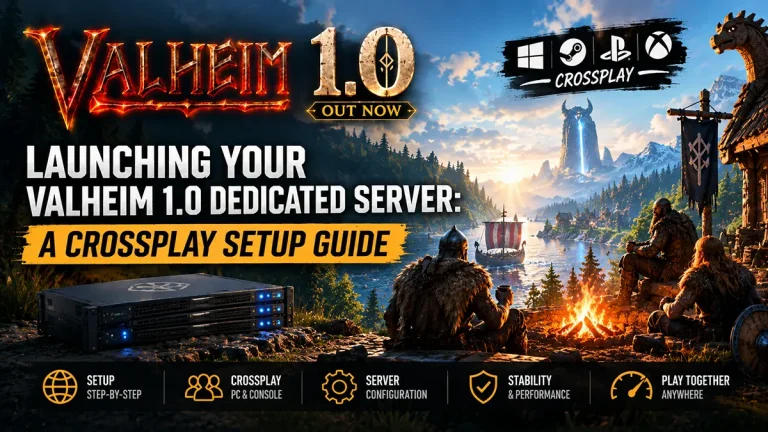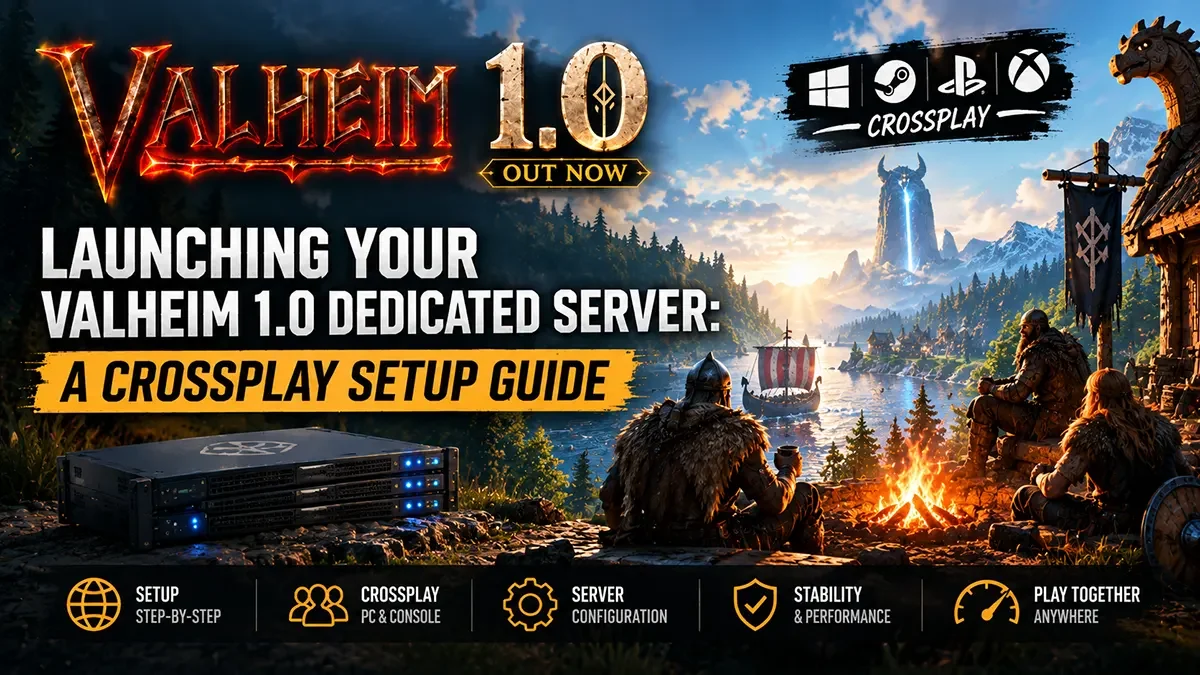
With the massive 1.0 “Deep North” update, Valheim has finally left Early Access. Over the last five years, your friend group has likely scattered across different platforms. Some are still on PC, some migrated to Xbox, and others are just picking up the game on their new PS5 or Nintendo Switch 2.
Fortunately, Iron Gate delivered full, unrestricted crossplay for the 1.0 launch. The challenge? Setting up a dedicated server that seamlessly connects all of those different platforms can be a technical headache if you don’t understand how Valheim‘s backend routing works.
If you are the designated server admin for your friend group, here is your definitive guide to enabling crossplay, generating a Join Code, and avoiding the common pitfalls that keep players locked out.
The Secret to Crossplay: The PlayFab Backend
Historically, Valheim servers used the Steam matchmaking backend. If you wanted friends to join, you gave them your public IP address, made sure your router was port-forwarded, and they connected directly.
Crossplay changes this entirely. Console platforms (Xbox, PS5, Switch) cannot use the Steam backend. To bridge the gap, Valheim uses Microsoft’s PlayFab network as a relay. When you enable crossplay, your server stops relying on direct IP connections and instead routes traffic through PlayFab, which generates a temporary, six-digit Join Code.
Here is how to set it up correctly:
Step 1: The Launch Parameters
Whether you are running a Windows .bat file or a Linux bash script, you must add the specific crossplay argument to your startup command line.
- Simply add
-crossplayto your launch string. - Example:
valheim_server.exe -name "VikingRealm" -port 2456 -world "Midgard" -password "shield123" -crossplay
Step 2: The Port Forwarding Myth
Here is the best news for home-hosters: When -crossplay is enabled, you do not need to port-forward your router.
Because all player traffic is relayed through the PlayFab network, your server does not require open UDP ports (2456-2457) to be accessible to the outside world. Players simply click “Add Server” in-game, punch in the 6-digit Join Code printed in your server console, and connect.
(Note: Because of this relay system, connecting via 127.0.0.1 or your local LAN IP often fails by design. Even if you are hosting the server on the same PC you are playing on, you must use the Join Code to connect!)
Step 3: Password Rules and Linux Traps
If your server refuses to boot or fails to generate a Join Code, check these two common culprits:
- The Password Rule: Valheim is incredibly strict. Your password must be at least 5 characters long, and it cannot contain the server name. If your server is named “DeepNorth” and your password is “DeepNorth123”, the server will instantly crash on startup.
- Linux Dependencies: If you are hosting on a Linux machine, the server will start fine without crossplay. But the moment you add
-crossplay, the PlayFab backend requires specific libraries to initialize. Ensure you have installedlibpulse0,libatomic1, andlibc6, or your Join Code will never generate.
The Hardware Reality Check: Crossplay is Heavy
Flipping a toggle to enable crossplay is the easy part. Actually maintaining a stable server for PC, PS5, and Switch players traversing the Deep North is an entirely different beast.
Valheim 1.0 introduces massive verticality, grappling hooks, rideable mounts, and a brand-new chunk-based world save system. When your console friends are exploring the icy peaks and generating new terrain at high speeds, the server is forced to execute thousands of rapid read/write operations to save that chunk data.
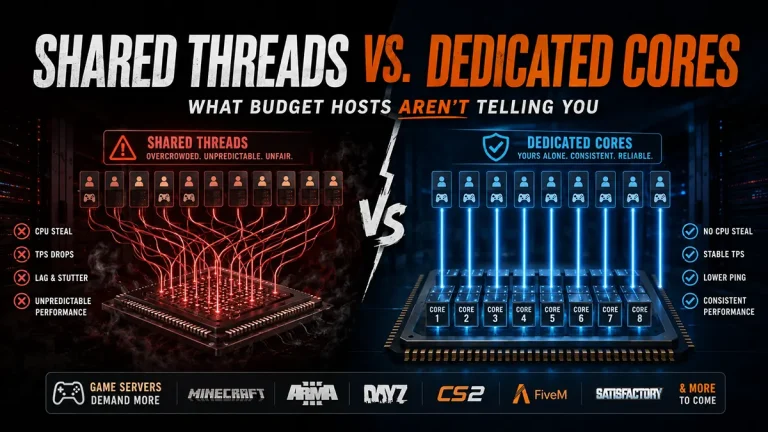
If you are hosting your 1.0 server on a budget host using shared vCPUs and old SATA SSDs, your crossplay experience is going to be miserable. The server will constantly bottleneck, resulting in heavy rubberbanding and massive multi-second freezes every time the world autosaves.
Skip the Setup. Host with East Gate.
You shouldn’t have to spend your weekend troubleshooting Linux dependencies and PlayFab routing just to play with your console friends.
At East Gate Hosting, our custom Pterodactyl panel features a native 1-Click Crossplay Toggle. We handle the PlayFab integration, the network routing, and the dependency installations automatically. Just flip the switch, copy your Join Code, and start playing.
More importantly, we deploy your Valheim server on unthrottled, extreme-frequency CPUs and pure Enterprise NVMe storage. Our hardware is engineered to brute-force the new chunk-save system, guaranteeing a buttery-smooth, lag-free experience whether your friends are logging in from a high-end PC or a Nintendo Switch.